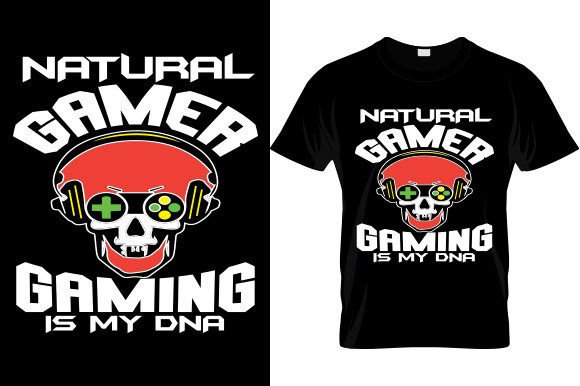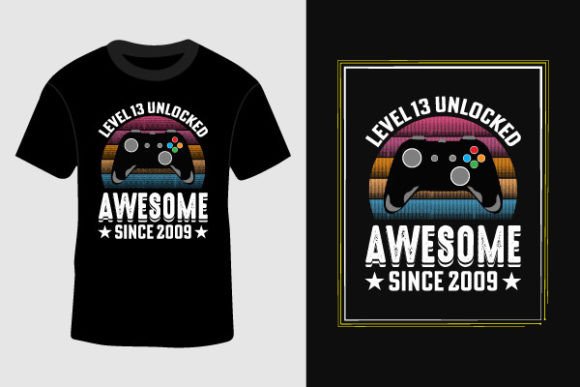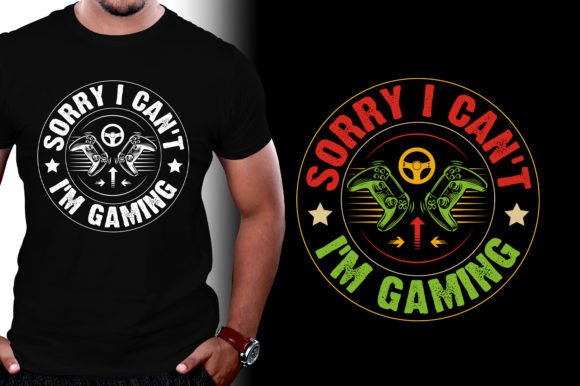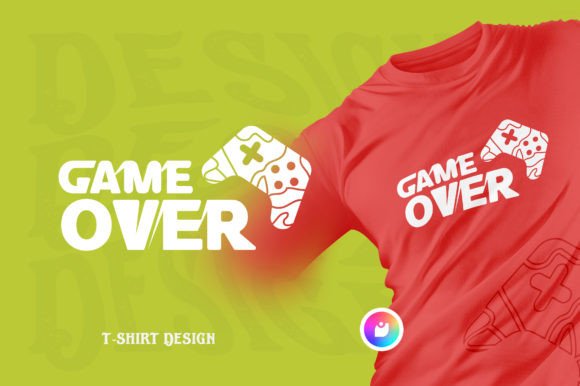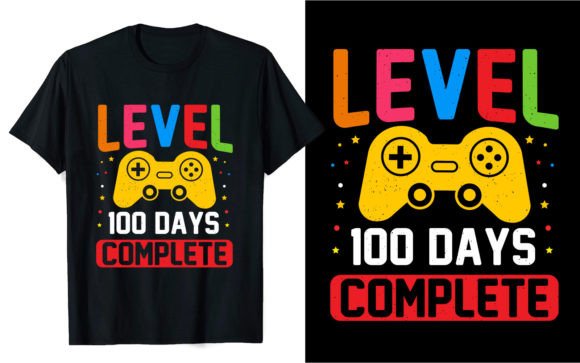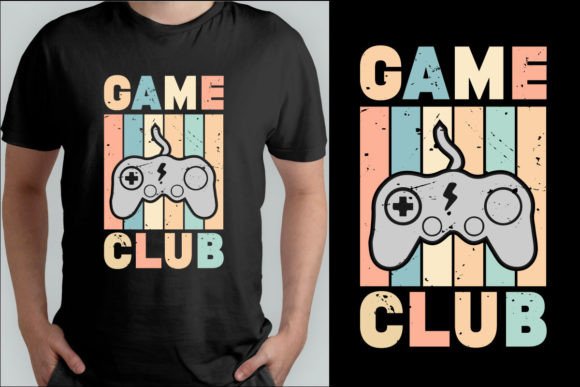
Your Ultimate Guide to the Vintage Gaming T-Shirt Design Collection
Finding the perfect design for a custom t-shirt often feels like a treasure hunt. You want something that resonates, that sparks nostalgia, and that looks professionally crafted. This is where a focused collection like the Vintage Gaming T-Shirt Design Collection becomes invaluable. It's more than just a folder of images; it's a curated set of digital assets specifically designed for creators who want to evoke the classic era of pixelated adventures and cartridge-based fun.
People gravitate toward vintage gaming themes for a powerful reason: emotional connection. These designs aren't merely decorative; they communicate identity, shared memories, and a love for a specific era of pop culture. Whether you're a small business owner launching a merchandise line, a hobbyist making gifts for friends, or a content creator needing unique visuals, this collection provides a ready-made foundation. However, diving in without a clear understanding of what you're getting and how to use it can lead to wasted time, disappointing print quality, and frustrating limitations.
Common Missteps When Using Digital Design Collections
Many enthusiasts approach digital design files with a single-minded focus: "I need a picture for a shirt." This overlooks the critical nuances that separate a usable professional asset from a simple graphic. Let’s walk through some typical oversights.
Assuming All File Formats Are the Same
You receive a package containing a PDF, EPS, PNG, and SVG file. A common mistake is to use the first file you can open, often the PNG, for every single application. While convenient, this severely limits your control and final output quality. The PNG is a raster image—a fixed grid of pixels. Using it for a large format print, like a banner or a massive back-print on a hoodie, can result in a blurry or pixelated appearance because raster images don’t scale infinitely.
A better approach: Understand the role of each file. The SVG and EPS files are vector formats. They use mathematical paths instead of pixels, meaning you can resize them to the size of a billboard without any loss in sharpness. They are essential for professional printing and flexible manufacturing. Always start with the vector files (EPS/SVG) for your core design work. Use the high-resolution PNG for quick previews or for use on web pages where vector support isn’t available.
Neglecting the Color Change Feature
The collection mentions it’s "Very Easy to color change." This is a powerful feature, but it’s often misunderstood as a simple click in any program. If you attempt to change colors in a raster file (PNG/PDF from a raster source), you’ll be painstakingly editing pixel groups, which is messy and imperfect. The ease of color change is intrinsically linked to the vector files.
Realistic example: Imagine you have a vintage console design in classic grays. You want a version in vibrant retro cyan for a summer promotion. Opening the SVG file in a program like Adobe Illustrator or free software like Inkscape allows you to select entire color groups—the console body, the buttons, the text—and change them globally with a single color picker. This maintains clean edges and professional integrity. Before purchasing any design pack, verify that the color change promise refers to layered, editable vector source files, not just pre-colored variants.
Overlooking Print-Ready Specifications
"Ready for print" is a reassuring term, but it's not a universal guarantee. It means the files are prepared according to common commercial print standards. However, a crucial detail is the file size mentioned: 4500 x 5400 pixels. This is a high-resolution base, suitable for detailed prints. Yet, a mistake is not communicating this exact specification to your printer or not checking your own print software settings.
If you upload a file to an online service and their system automatically compresses it, you might lose that detail. Always confirm with your printing partner what file format and resolution they prefer. Sending the EPS or SVG along with the high-res PNG gives them options. Also, for DIY printing, ensure your software (like heat press software or sublimation tools) is configured to handle the file's dimensions without downsampling it.
What to Check Before You Commit
Making an informed decision about using the Vintage Gaming T-Shirt Design Collection involves a few practical checks that go beyond just liking the artwork.
First, assess your own software and skill level. Do you have access to software that can open and edit EPS or SVG files? If not, many free options exist, like Inkscape, but you’ll need to learn basic vector editing to truly leverage the collection's flexibility. If you only use basic image viewers, you’ll be confined to the PNG, which is still high-quality but limits your customization.
Second, consider your intended use spectrum. The listed uses—clothes printing, stickers, card invitations, mugs—are all valid, but each has different technical requirements. Mug printing often requires specific template shapes. Stickers need cut lines. Does the collection include additional guidance or templates for these applications? If not, you may need to adapt the core files yourself, which is feasible with the vectors but requires some planning.
Finally, think about commercial licensing. If you are a business owner planning to sell products with these designs, explicitly check the license terms. Does the purchase grant you a commercial license? Is there a limit on the number of units you can produce? A clean, clear license is essential for operating without legal worries. Most collections intended for "clothes printing" and "t-shirt design" include commercial rights, but never assume; always read the provided license document.
Building Better Outcomes with Your Designs
To transform these digital assets into successful real-world products, shift your mindset from "downloading a file" to "managing a design resource."
Start by organizing your files immediately. Keep the vector originals (EPS/SVG) in a master project folder. Create separate subfolders for "Print Files," "Web Use," and "Color Variations." When you make a color change, save a new version of the vector file and then export a PNG for that specific color scheme. This systematic approach prevents version confusion when you’re producing multiple product lines.
Engage with your printing provider early. Share a sample file from the collection and ask for their feedback on color separation, sizing, and any potential issues with the design's detail level. This collaborative step can prevent costly misprints. For instance, extremely fine lines in a vintage game sprite might not translate well to certain fabric types; a printer might advise slight thickening of lines for optimal results.
Remember, the value of the Vintage Gaming T-Shirt Design Collection lies in its specialization and completeness. It solves the problem of sourcing authentic, coherent vintage graphics. By understanding the files you have, respecting their intended uses, and preparing them properly for your specific projects, you move from simply having a design to expertly deploying a versatile creative asset. This leads to higher quality products, greater customer satisfaction, and a more efficient creative process for your t-shirts, mugs, stickers, and beyond.